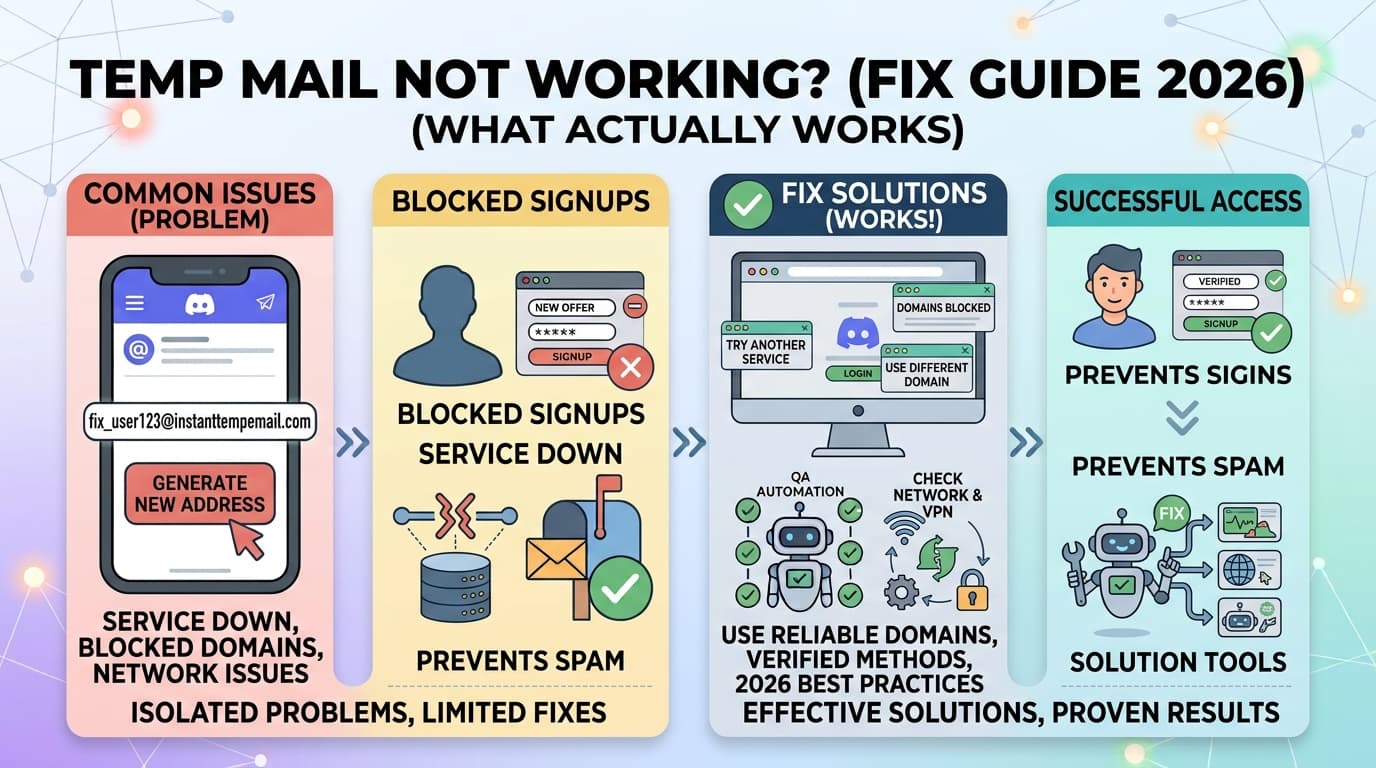
Temp Mail Not Working? (Fix Guide 2026 – What Actually Works)
Your temp mail just got rejected. The site says "invalid email address" or "please enter a valid email" — but the address looks perfectly fine.
Here's the truth: your email address isn't broken. The domain is blocked.
In 2026, websites have gotten aggressive about blocking disposable email providers. But the fix is almost always simple — and this guide walks you through exactly what's happening and how to get past it in under 3 minutes.
Need a working temp mail right now? InstantTempEmail.com rotates domains daily so they stay ahead of blocklists. Works where others get rejected.
Why Temp Mail Gets Blocked in 2026
Before you fix the problem, it helps to understand what's actually happening behind the scenes.
When you enter an email address on a site like Discord, Netflix, or Reddit, the site doesn't just check that it "looks like" an email. It runs several background checks — instantly, before you even click submit.
Domain blacklists. This is the most common reason. Services like IPQS (IPQualityScore) and MaxMind maintain real-time databases of known disposable email domains. When you submit an address, the site pings one of these APIs and gets a response in milliseconds. If your domain is on the list, it's rejected before you even see a loading spinner.
MX record checks. Every legitimate email domain has MX (Mail Exchange) records pointing to a mail server. Some websites check whether the domain has proper MX records set up — and whether those records look like a real email provider versus a throwaway service with no web presence.
Domain reputation scoring. A domain that was registered yesterday, has no website, and only processes email traffic gets a very low reputation score. Low-reputation domains get flagged automatically by fraud prevention APIs, even if they haven't been explicitly blacklisted yet.
SMTP verification. Some platforms go further and attempt an SMTP handshake — essentially knocking on the email server's door to verify it can receive mail. If the temp mail server doesn't respond correctly, the email is rejected.
IP and browser fingerprinting. Sometimes it's not your email at all. If you've attempted registration multiple times from the same IP, or your browser has cookies from previous failed attempts, the site may flag you before you even submit the form.
Understanding which layer is blocking you determines which fix actually works.
The Most Common Error Messages (And What They Mean)
If you're seeing one of these, here's what's actually happening:
"Please enter a valid email address" — The domain failed a blacklist check or MX record lookup. The address format is fine; the domain is the problem. Fix: generate a new address on a different domain.
"This email is not allowed" — The site explicitly bans disposable email providers. They're using a blocklist API and your domain is on it. Fix: switch to a temp mail service that rotates domains.
"Email already in use" — Someone already registered with that address, or you created an account with it before and forgot. Fix: generate a fresh address.
"Please verify your email" — This is actually fine. It means the address was accepted. You just need to check your temp mail inbox for the verification link.
"Something went wrong, please try again" — Often an IP-level flag. Your browser or IP got flagged from a previous attempt. Fix: try incognito mode or a different network.
The 5-Step Fix Guide
Work through these in order. Most people solve it at Step 1 or 2.
Generate a new address on a different domain
This is the fix in 80% of cases. Most temp mail services offer multiple domain options — refresh the page or look for a domain selector. A new domain has a different blocklist status. If @mailnull.com is blocked, @spamgourmet.com might not be.
Services like InstantTempEmail rotate their domains regularly, so fresh addresses are less likely to have been flagged yet.
Switch to a different temp mail provider
Different services have different domain inventories. If one provider's entire domain pool is blocked on a given site, another provider's domains may not be. Keep two or three services bookmarked for exactly this situation.
Open an incognito / private browsing window
Cookies and cached session data from a previous failed attempt can cause the site to flag you before you even submit the form. A fresh incognito window clears all of that. Open the registration page fresh and try again with your new temp email address.
Don't rush — fill the form at a normal pace
This applies especially to Discord, Reddit, and Steam. These platforms use behavioral analysis during registration. Filling out the form in under 10 seconds, or immediately resubmitting after a rejection, triggers automated fraud detection. Take 20–30 seconds to fill in each field normally.
Change your IP address
If your IP has been flagged from multiple failed registration attempts, a VPN or switching to mobile data can bypass this. This is rarely necessary — most issues are domain-level, not IP-level — but if Steps 1–4 haven't worked, this is worth trying.
Note: some VPN IP ranges are themselves flagged by fraud APIs. If you're already using a VPN, try turning it off instead.
Is Your Temp Mail IP-Banned?
IP bans are less common than domain blocks, but they do happen — especially if you've made many registration attempts in a short window.
Here's how to tell the difference. If every address you try gets rejected regardless of the domain or provider, that's an IP signal. If only certain domains get rejected but others work, it's a domain blocklist issue.
Signs your IP is flagged:
- Every registration attempt fails immediately, before you even complete the form
- The error appears on a fresh incognito window with a brand new email address
- The site shows a CAPTCHA challenge or a "too many requests" message
What to do:
- Switch to mobile data (completely different IP)
- Use a reputable VPN with a clean IP history — avoid free VPNs, their IP ranges are almost always flagged
- Wait a few hours and try again from your regular connection
The relationship between VPNs and temp mail is worth understanding. VPNs change your IP, but they don't change your browser fingerprint. And some VPN IPs are flagged by the same fraud APIs that block temp mail domains. For most temp mail use cases, you don't need a VPN — but when IP issues occur, a trusted paid VPN is the right tool.
Temp Mail Not Working on Specific Sites
Some platforms are more aggressive than others. Here's what works on the ones that give the most trouble.
Discord
Discord maintains one of the most actively updated domain blocklists of any platform. It also uses layered detection: domain blacklists, IP tracking, and device fingerprinting.
What works: temp mail services that rotate domains frequently. If your first address is rejected, generate a new one — most users succeed within 1–3 attempts. Use incognito mode and don't rush the form. For a full walkthrough, see our Discord temp mail guide.
What doesn't work: well-known providers like Guerrilla Mail or Mailinator — their entire domain pools are on Discord's blocklist.
Netflix
Netflix blocks disposable emails at the payment stage, not always at registration. It's primarily protecting against free trial abuse, so its detection focuses on domain reputation scoring rather than explicit blacklists.
Fresh domains with good MX records get through most of the time. If you're hitting a wall, the issue is often the domain's age and reputation rather than an explicit block.
Reddit's email verification is relatively lenient compared to Discord. Most temp mail services work at registration. Issues arise later if your account gets flagged for suspicious activity — at which point Reddit may ask for email re-verification, and an expired temp address won't help. For accounts you plan to keep, update to a permanent email once you're settled in.
Steam
Steam uses email verification for most account security features. It accepts many temp mail domains at registration but locks certain features (trading, purchasing) until an email is "verified as stable." An expired temp address can cause issues here — keep the tab open or use a long-lived temp mail inbox.
The Gmail Plus Trick (And Why It's Not Always Better)
You may have heard of the username+anything@gmail.com workaround — where Gmail ignores everything after the + sign, so john+discord@gmail.com and john+netflix@gmail.com both deliver to john@gmail.com.
It's worth knowing about, but it has real limitations compared to true temp mail.
Many sites now strip the +tag and check if the base address already has an account — so john+discord@gmail.com gets flagged as a duplicate of john@gmail.com. It also ties every account back to your real Gmail address, which is the opposite of what temp mail achieves. And Google can see every email sent to all your + variants, which means it's not private.
True temp mail with a separate domain gives you a genuinely isolated inbox, no connection to your real identity, and no way for sites to cross-reference accounts. The Gmail trick is a useful backup — not a replacement.
When Temp Mail Simply Won't Work
There are situations where no temp mail service will get you through, and it's worth knowing them upfront.
Phone verification. If a site requires a phone number in addition to email, temp mail doesn't help with that step. Discord, for example, can trigger phone verification based on suspicious account behavior, regardless of which email you used. Virtual number services handle phone verification separately from email.
KYC-required platforms. Financial services, some crypto exchanges, and government platforms require identity verification (Know Your Customer). No temp mail solution bypasses this — it's a legal requirement, not a technical one.
Sites that require institutional emails. Some platforms require a .edu email or a specific corporate domain. Temp mail can't generate addresses on domains it doesn't control.
Platforms using email-age verification. A small number of services check how old a domain is. Domains registered recently fail this check. This is rare but worth knowing.
If a site is asking for phone verification or identity documents, temp mail is the wrong tool for that step. Don't waste time on email workarounds when the block is at a different layer entirely.
How to Choose a Temp Mail Service That Actually Works in 2026
Not all temp mail services are equal. Here's what actually matters:
Domain rotation. The single most important factor. A service with one or two static domains will eventually have all of them blacklisted. Services that regularly add fresh domains stay ahead of blocklists.
Real-time email delivery. You need to receive Discord's or Netflix's verification email within seconds. Services that use WebSocket connections for live inbox updates work; services that require manual refresh can cause you to miss time-sensitive verification links.
No signup required. The whole point of temp mail is anonymity and speed. Any service that asks you to create an account defeats the purpose.
Multiple domain options. Being able to choose a different domain without leaving the service saves time when one domain is blocked.
InstantTempEmail.com covers all of these: no signup, instant inbox, WebSocket delivery, and rotating domains. It's the service we built because we needed something that actually worked.
Frequently Asked Questions
Final Thoughts
Temp mail being blocked is almost never a dead end — it's a domain-matching problem with a straightforward fix:
- Generate a new address on a different domain — solves it most of the time
- Use incognito mode if the issue persists — clears session flags
- Switch providers if a whole service's domains are blocked on a specific site
- Change your IP only if domain and session fixes don't work
The sites blocking temp mail aren't doing it to stop you specifically — they're running automated fraud prevention that catches well-known domains. Fresh domains on services like InstantTempEmail stay ahead of those lists because they haven't accumulated enough history to be flagged yet.
One domain gets blocked, you use another. That's the whole game in 2026.