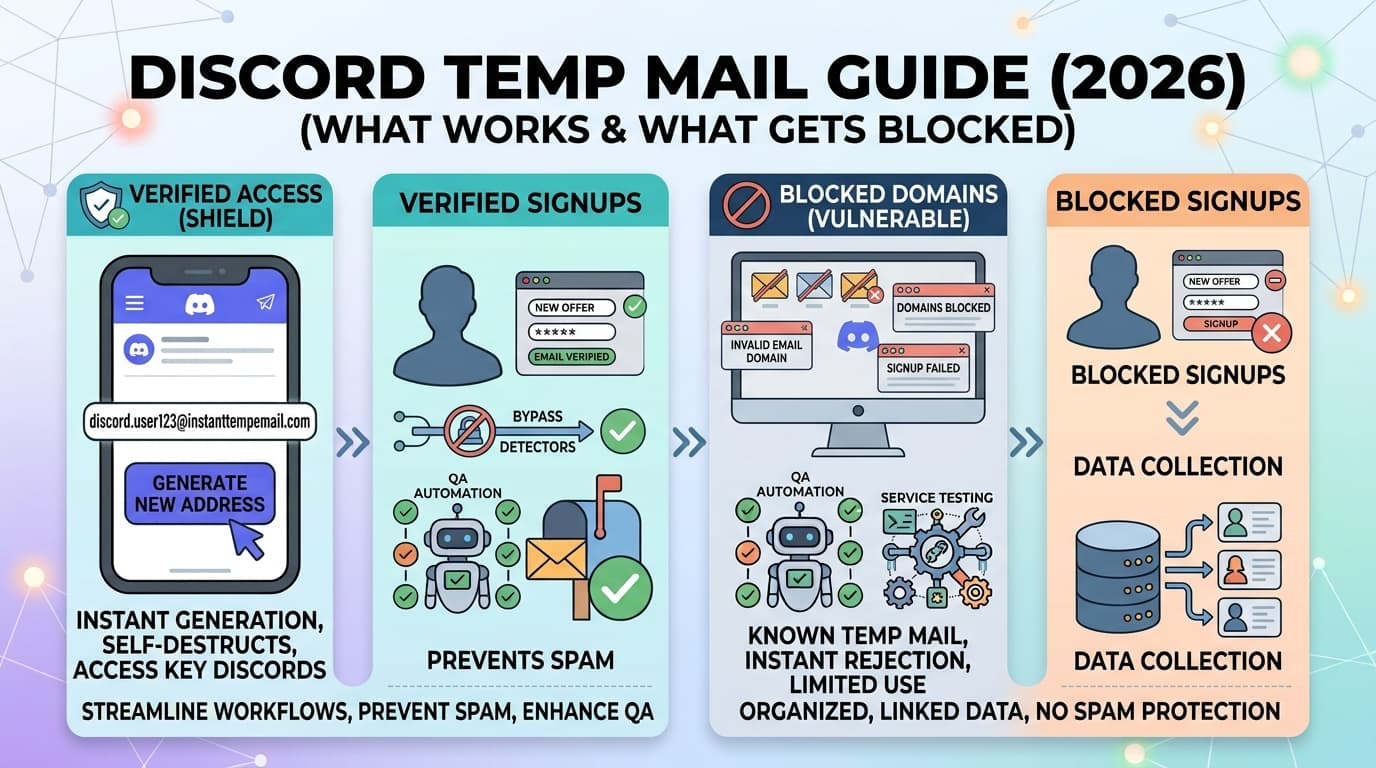
Discord Temp Mail Guide (2026): What Works & What Gets Blocked
Can you still use a temporary email for Discord in 2026?
Short answer: yes, but not every method still works.
Discord has significantly tightened its domain blocklists over the past year. Many popular disposable email providers are now blocked outright. That said, thousands of users create accounts with temp mail every day, using services that rotate domains fast enough to stay ahead of those lists.
This guide covers everything you need to know: what Discord actually blocks, what still works, a step-by-step walkthrough, and how to handle the most common issues.
Need a working temp email right now? InstantTempEmail.com : no signup, instant inbox, rotating domains. Keep the tab open; you'll need it in Step 5.
Why People Use Temp Mail for Discord
Discord requires an email for every account no exceptions. But it doesn't require that email to be your personal one. Here's why that matters:
Alt accounts. Many users maintain separate accounts for gaming, professional servers, and personal friend groups. A disposable email keeps each identity clean and separate.
Bot and integration testing. Developers building Discord bots need multiple test accounts to simulate real user behavior. Creating those with temp mail avoids polluting your real inbox with test notifications.
Anonymous server browsing. Some communities are worth exploring before you commit your real identity. A temp mail account lets you evaluate before deciding to stay.
Privacy from data breaches. Discord has had security incidents in the past. Using a disposable email limits what personal data is exposed if your account is compromised.
Server moderation accounts. Admins and moderators often create dedicated mod accounts, backup accounts, or bot operator accounts. Temp email is the practical choice for these.
Does Discord Actually Block Temp Mail in 2026?
Yes, and it's more aggressive than most platforms.
Discord maintains an active domain blocklist and updates it regularly. Many of the well-known disposable email providers (Guerrilla Mail, Mailinator, ThrowAway Mail) are blocked across most or all of their domains.
What still works comes down to two things: domain freshness and account behavior. Fresh or rotating domains — addresses on domains that haven't yet been added to Discord's blocklist — get accepted reliably. Low account activity after registration also helps, as it avoids triggering secondary verification. On the other hand, old or widely-known disposable domains are blocked immediately, and creating accounts in bulk or too quickly triggers Discord's fraud detection and often leads to phone verification prompts.
The practical reality: if your first address is rejected, generate a new one. Services that rotate domains — like InstantTempEmail — have domains that haven't made Discord's blocklist yet. Most users succeed within 1–3 attempts.
Does Discord Require Email Verification?
Yes. Discord sends a verification email when you create an account, and several features are locked until you verify:
- Sending friend requests
- Joining servers that require verified accounts
- Using DMs with users who have strict privacy settings
- Accessing age-restricted channels
This means you need a temp mail service that actually receives emails in real time — not just one that generates an address. InstantTempEmail delivers emails via WebSocket, so the verification link arrives within seconds of Discord sending it.
Step-by-Step: Creating a Discord Account with Temp Mail
Get your temporary email address
Go to InstantTempEmail.com. Your inbox is ready instantly — no account, no personal information required.
Copy the address and keep the tab open. You'll need it to receive Discord's verification email.
Go to Discord and start registration
Visit discord.com and click Register. Enter a display name, username, and password.
In the email field, paste your temporary address.
Enter your date of birth
Discord requires this for age verification and content access controls. Enter an accurate date.
Complete the CAPTCHA
Discord uses hCaptcha during registration. Complete it normally, solving it too fast can flag the account.
Check your temp mail inbox
Discord sends a verification email almost immediately. Switch back to your InstantTempEmail tab — the message should appear within seconds.
Click the verification link inside the email.
Your account is ready
Once verified, your account is fully functional. You can join servers, send messages, and use all standard Discord features.
Total time: approximately 2–3 minutes.
Discord Temp Mail Not Working? Here's How to Fix It
This is the most common issue, and it's almost always solvable.
If Discord rejects your temp email address at registration, don't give up, the fix is simple in most cases.
Fix 1 : Generate a new address Click refresh on your temp mail service. You'll get a new address, often on a different domain. A different domain has a different blocklist status. This alone resolves the issue most of the time.
Fix 2 : Try a different temp mail provider If several attempts from one service fail, switch providers. Different services have different domain inventories — one will likely work where another doesn't.
Fix 3 : Use incognito mode Open Discord's registration page in a private browsing window. This clears cookies and session data that might be flagging your browser.
Fix 4 : Don't rush the registration Creating accounts too quickly triggers Discord's fraud detection. Fill out the form at a normal pace and complete the CAPTCHA without rushing.
Fix 5 : Change your IP (optional) If your IP has been flagged from previous attempts, a VPN or different network can help. This is rarely necessary but worth trying if other fixes fail.
Most users succeed within 2–3 attempts. Temp mail rejection at Discord is a domain-matching problem, not an account-level ban.
Why Discord Blocks Temporary Emails
Understanding why Discord does this helps you work around it more effectively.
Discord blocks disposable email domains primarily to prevent:
- Spam account creation : single-use emails make it trivial to create throwaway accounts for spamming servers
- Ban evasion : users banned from servers or from Discord entirely can simply make a new account
- Bot abuse : automated account creation for fake engagement or raid attacks
- Fake user inflation : making servers look more populated than they are
Their blocking system works on multiple layers:
- Domain blacklists : the most common check. Known disposable email domains are blocked at registration.
- IP tracking : unusual registration patterns from the same IP get flagged.
- Device fingerprinting : Discord tracks browser and device signatures across accounts.
- Behavioral signals : joining many servers fast, sending messages immediately, copying other accounts.
This is why a fresh domain works even when older ones don't, it simply hasn't been added to the blocklist yet. And it's why your behavior after account creation matters just as much as the email you used.
How to Avoid Phone Verification
Discord's phone verification is the one thing temp mail can't solve, and it's worth knowing when it gets triggered.
Temp mail does NOT bypass phone verification. If Discord asks for a phone number, you'll need a real one (or a virtual number service).
Discord typically asks for phone verification when an account exhibits suspicious behavior:
- Joining a large number of servers within a short time
- Sending messages immediately after account creation
- Being reported by other users early in the account's life
- Registering from an IP with a history of flagged accounts
How to reduce the risk:
- Complete your profile first, add an avatar and display name before joining any servers
- Wait a few minutes after account creation before joining servers
- Join 1–2 servers first and participate normally before expanding
- Avoid sending identical or repetitive messages early on
If phone verification does appear, virtual phone number services (SMS verification APIs) can provide a number for this purpose — but that's a separate topic from temp mail.
Limitations Worth Planning Around
Email expiry and account recovery. When your temp mail address expires, it can no longer receive new messages. Your Discord account stays active — but if you ever get locked out and need an email-based recovery, that path is gone. For any account you plan to keep long-term, update the email to a permanent address in Discord settings once you've decided to keep it.
Account bans carry over. If a previous Discord account was banned, creating a new account to bypass that ban violates Discord's Terms of Service. Temp mail doesn't change this — Discord also tracks device fingerprints and IP addresses. This guide is for legitimate secondary accounts, not ban circumvention.
Server-level verification bots. Many Discord servers use bots like MEE6, Carl-bot, or Captcha.bot that require additional verification steps when you join. These are server-level requirements completely separate from your account email. Temp mail has no effect on them.
One email per account. Discord requires a unique email address for each account. You cannot reuse the same temporary address across multiple accounts.
Discord's Terms of Service : What Actually Matters
Discord's ToS prohibits:
- Creating accounts specifically to evade bans
- Impersonating other users
- Spam and harassment campaigns
Using a temp email for a legitimate secondary account, a separate gaming identity, a moderation account, a developer test account. does not violate these terms.
The email address you use is not the issue. How you use the account is.
Discord has banned millions of accounts over the years, and the enforcement is behavioral — spam, raids, harassment, ban evasion. A quiet alt account used normally has been operating safely for years for millions of users.
Privacy: What Temp Mail Actually Protects (and What It Doesn't)
Using a disposable email disconnects your real email identity from your Discord account. That's a meaningful privacy step — especially given Discord's history of security incidents.
A disposable email protects your real address from ending up in Discord's database, keeps your personal inbox free from Discord notifications, and limits the exposure of your email identity in case of a breach or data leak. It also prevents Discord from tying your real email to their ad targeting systems.
What it doesn't protect is everything else: your IP address is still logged, your device fingerprint is still recorded, your behavioral patterns are still tracked, and location data from your device remains accessible to the platform. Temp mail is one layer of privacy — not a complete solution.
For stronger privacy, combine temp mail with a VPN. Neither alone provides anonymity, but together they significantly reduce your digital footprint on the platform.
Frequently Asked Questions
Final Thoughts
Temp mail and Discord work well together in 2026, for alt accounts, developer testing, anonymous browsing, and server management. The main things to watch:
- Domain blocklists are real, have a second address ready if the first is rejected
- Phone verification can appear for suspicious behavior, start slow
- Long-term accounts deserve a permanent email, swap it in settings once you're committed