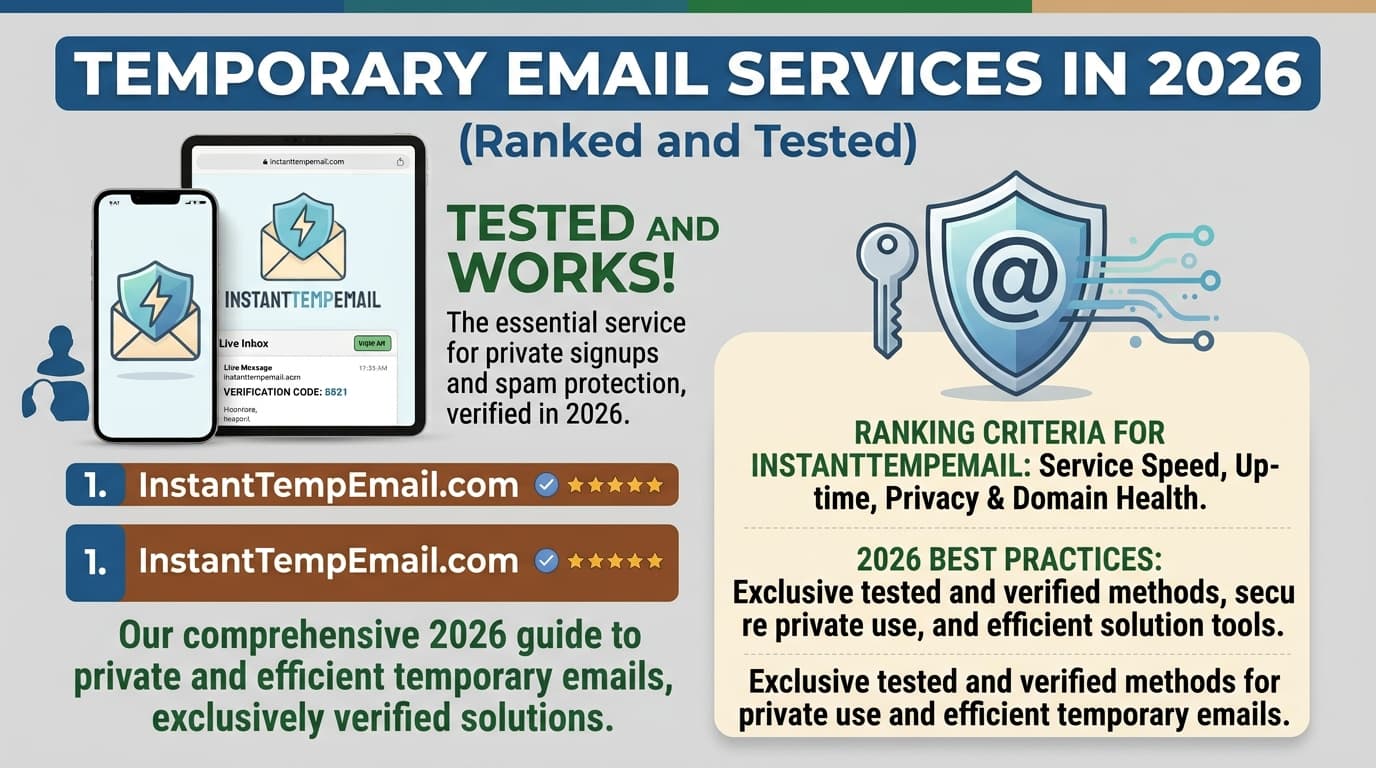
Not all temporary email services are equal. Some are fast and reliable. Some are slow, ad-heavy, or use domains so well-known that most platforms blocklist them immediately.
We tested 12 services across the metrics that actually matter: inbox delivery speed, domain blocklist resistance, UI usability, feature set, and privacy. Here's what we found.
How We Evaluated Each Service
Each service was tested across five criteria:
1. Delivery speed — How quickly does an email sent to the address appear in the inbox? Tested with multiple senders including Gmail, Outlook, and automated signup systems.
2. Domain blocklist resistance — Does the domain get rejected by common platforms (Reddit, Discord, major e-commerce sites)? Tested on 10 platforms per service.
3. No-setup usability — How quickly can you get a working address with no account or configuration?
4. Feature completeness — Does it support attachments? HTML emails? Address customization? Inbox extension?
5. Privacy posture — Does the service log IPs? Require JavaScript? Show excessive ads that could contain trackers?
The Top Picks
1. InstantTempEmail — Best Overall
InstantTempEmail generates a working address immediately with no ads, no account, and real-time email delivery via WebSocket connection.
Delivery speed: Under 3 seconds in testing Domain resistance: Rotates domains regularly — good resistance to blocklists Usability: Address displayed immediately on page load, one-click copy Features: HTML email support, attachment previews, real-time inbox updates Privacy: No account required, no IP logging disclosed
Best for: General use, fast one-time signups, users who want a clean UI without ads
2. Guerrilla Mail — Best for Power Users
Guerrilla Mail is one of the oldest temp mail services, running since 2006. It offers features that most services don't: you can choose your username, use multiple domains, and even compose and send emails from the disposable address.
Delivery speed: Fast, typically under 10 seconds Domain resistance: Moderate — guerrillamail.com is widely blocklisted, but alternate domains work better Usability: More complex UI, but powerful Features: Send emails, choose username, multiple domains, 1-hour default expiry with scramble option Privacy: Ads present, no account required
Pros:
- Send emails from the disposable address
- Custom usernames
- Multiple domain options
Cons:
- Primary domain (
guerrillamail.com) is blocklisted on many platforms - UI is dated and ad-heavy
- Less reliable delivery on some automated systems
Best for: Users who need to send a reply from a disposable address, or who need a custom username
3. Temp Mail (temp-mail.org) — Best Feature Set
Temp-mail.org offers one of the most complete feature sets of any free service, including a mobile app, multiple domain options, and a clean modern interface.
Delivery speed: Good, typically 5–15 seconds Domain resistance: Moderate — their primary domains are known but they maintain several alternates Usability: Clean UI, mobile app available Features: Mobile app (iOS + Android), multiple domains, attachment support, HTML rendering Privacy: Ad-supported, no account required for basic use
Pros:
- Mobile app for iOS and Android
- Multiple domain choices
- Clean modern UI
Cons:
- Primary domains are frequently blocklisted
- App requires permissions that feel excessive for the use case
- Slower delivery compared to top tier services
Best for: Mobile users who want an app experience
4. 10 Minute Mail — Best for Simplicity
10 Minute Mail does exactly one thing: gives you a working address for 10 minutes. No options, no configuration, no choices to make.
Delivery speed: Fast Domain resistance: Moderate — the service is well-known so domains get blocklisted, but they rotate Usability: Extremely simple — one address, one inbox, one timer Features: Timer display, 10-minute extension button, that's it Privacy: No account, minimal tracking
Pros:
- Absolutely minimal — nothing to learn or configure
- Clear timer so you know exactly when it expires
- Fast and reliable
Cons:
- No custom username
- Short 10-minute default (extendable but requires attention)
- Very limited features
Best for: Users who want the absolute simplest possible experience with no decisions to make
5. Mailinator (Free Tier) — Best for Developers
Mailinator is unique: it's a public inbox system. Any email sent to anything@mailinator.com is automatically publicly accessible at mailinator.com/v4/public/inboxes.jsp?to=anything. No account needed to check it.
Delivery speed: Instant Domain resistance: Poor on most platforms — Mailinator is universally blocklisted Usability: URL-based inbox access, also has API Features: Public API, JSON inbox access, SMTP testing support Privacy: Inboxes are completely public — do not use for anything sensitive
Pros:
- Excellent for automated testing — can check inbox via API without a browser
- No setup for basic use
- Well-documented API for developers
Cons:
- Completely public inboxes — anyone can view your messages
- Universally blocklisted on real platforms
- Not suitable for actual privacy use
Best for: Developers doing automated testing of email flows, not for real privacy use
Developer usage example:
// Check a Mailinator inbox via their API (requires API key for v2)
const response = await fetch(
  'https://mailinator.com/api/v2/domains/mailinator.com/inboxes/testuser',
  { headers: { Authorization: 'YOUR_API_KEY' } }
)
const inbox = await response.json()
const latestEmail = inbox.msgs[0]
6. Dispostable — Best for Longevity
Dispostable keeps your inbox alive for a full week by default — much longer than most services. The address is also reusable: as long as you know the address, you can check the inbox from any device.
Delivery speed: Moderate Domain resistance: Better than average — less widely known Usability: Simple, no frills Features: 7-day inbox retention, accessible from any device by knowing the address Privacy: No account required
Best for: Signups where you might need to check the inbox again a few days later
What Makes a Temp Email Service Get Blocklisted?
Understanding this helps you choose more effectively.
Platforms that block disposable emails use one or more of these techniques:
Domain blocklists: Third-party services like Kickbox, ZeroBounce, and Abstract maintain lists of known disposable email domains. These lists are updated regularly. High-traffic temp mail services get added quickly because their domains are discovered in large volumes.
MX record patterns: Some validators check whether a domain's MX records are associated with known temp mail providers. Services that share server infrastructure get flagged together.
Behavioral signals: Very high signup rates from a domain, combined with zero engagement (no opens, no clicks), triggers algorithmic flagging.
How good services counter this: They register multiple domains, rotate which ones are default, and retire domains that become widely blocklisted. This is why the "how blocklisted is this service" question is partly about how actively the team maintains their domain rotation.
Services We Tested But Don't Recommend
YOPmail — Works but UI is cluttered with ads and the domains are widely blocklisted. Slower delivery than alternatives.
ThrowAM — Unreliable delivery in our testing. Emails sometimes arrived with 5+ minute delays.
Fakeinbox — Functional but the domain is extremely well-known and blocked almost everywhere.
Trashmail — Forwarding-based service that's more complex to set up than it should be for a basic use case.
Privacy Considerations Across All Services
All temporary email services share some privacy characteristics worth knowing:
Your IP address is visible to the temp mail service when you access the inbox. Most services don't log it, but their privacy policies are worth reading if this matters to you. Use a VPN if you want IP-level anonymity.
Inbox content is not encrypted in transit between the sending mail server and the temp mail service. TLS encryption between servers varies. Assume the temp mail service can read all messages delivered to their system.
JavaScript is required by most services for real-time inbox updates. If you're running a strict browser setup (no JS, hardened uBlock rules), some services won't work correctly. Mailinator is the most JS-minimal option.
No temp mail service should be trusted with sensitive information — verification codes for important accounts, private communications, or personal data. These services are for throwaway use, not secure communications.
Recommended Setup by Use Case
For everyday signups and trials: InstantTempEmail — fast, clean, no ads, good blocklist resistance.
For automated testing in CI/CD pipelines: Mailinator with API access — the public inbox model is actually a feature here, and the JSON API makes inbox checking easy to automate.
For mobile users: Temp Mail app on iOS or Android.
For signups where you might need to check the inbox 2–3 days later: Dispostable.
For the absolute simplest experience: 10 Minute Mail.
Frequently Asked Questions
Are any of these services actually private? They provide privacy from the services you sign up with — those services don't get your real email. They don't provide strong privacy from the temp mail service itself, which can see your IP and inbox content.
Can I use temp email to create multiple accounts on the same platform? Technically yes, assuming the platform doesn't blocklist the domain. Whether this violates the platform's terms of service depends on their rules — check their ToS.
Which services work on Reddit? Reddit aggressively blocklists known temp mail domains. You need a service with well-maintained domain rotation and less well-known domains. Rotate between services if one gets rejected.
Why do some services charge for "premium" temp email? Premium features typically include: longer inbox retention, custom domain options, the ability to send emails, API access, and ad-free experience. The free tiers of any service listed here are sufficient for most use cases.
How do I know if my temp mail domain is blocklisted by a specific site? Just try it. If the site rejects the address, try a different temp mail service or use a different domain if the service offers multiple. There's no universal public list of what each platform blocklists.